A dusty AC filter is the number one cause of poor cooling and high electricity bills. Refresh your air in just 10 minutes with our ultimate speed-cleaning guide.
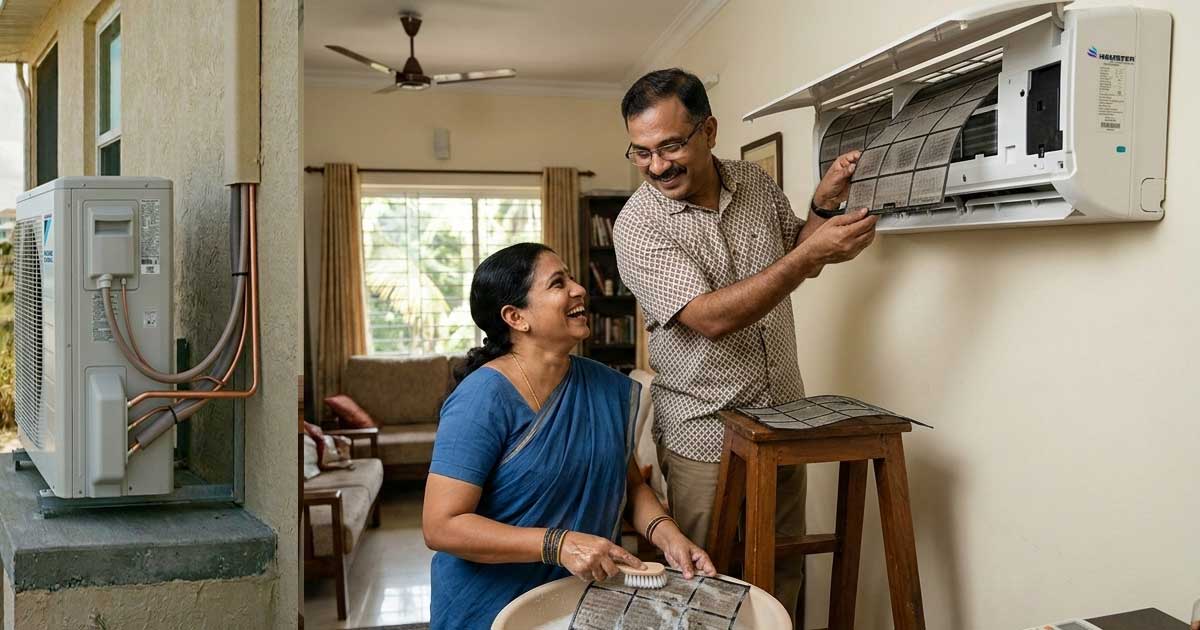
Turn off your AC using the remote and then switch off the main power supply. If you are cleaning the Hamster Portable AC (HL12LT), unplug it from the wall socket entirely.
For Split Units (HS/HW Series): Place your fingers in the small notches on the left and right sides of the front panel. Gently lift upward until it clicks. You’ll see two mesh screens.
For Portable Units (HL12LT): Locate the intake vent on the back or side. Most Hamster portables have a slide-out filter frame that pops out with a gentle tug.
Slide the filters out carefully. Pro Tip: If the dust is thick, use a vacuum cleaner with a soft brush attachment for 60 seconds first.
The Wash: Run lukewarm water through the back of the filter (the side facing the AC) so the dust is pushed off rather than through the mesh.
Never put a soaking wet filter back. The Hamster Method: Gently pat the filter with a lint-free microfiber towel. Stand it up in a shady, well-ventilated spot. Avoid direct sunlight to prevent warping the mesh.
Slide the dry filters back until you hear a "click." Snap the front cover shut, turn the power back on, and enjoy the instant boost in airflow!
Reduces energy consumption by 5% to 15%.
Reaches target temperature in half the time.
Keeps your family safe from dust and allergens.
If filters are clean but cooling is weak, you may need a Jet Pump Service for your cooling coils to remove deep-seated grime.
While our filters are highly durable, we recommend replacing the high-density mesh every 24 - 48 months to maintain peak anti-bacterial performance.